The Gallery is your organization's central image library. Everything you upload lands here once and can then flow anywhere: drip-scheduled to Google Business Profiles over weeks, reused in multilocation media batches, or exported as an archive. Photos captured through the mobile check-in app arrive here too, pre-tagged.
The library
Upload by dragging images anywhere onto the page or clicking Add image (JPG or PNG, up to 20 MB each). Batches show per-file progress. The grid loads newest-first (switch to Oldest with the sort toggle) and every thumbnail carries a selection checkbox, its tag count, and a copy-URL button.
Tags
Tags are the Gallery's organizing system. Filter the grid by clicking tag pills, and bulk-apply or remove tags on any selection. Tags also connect the Gallery to the rest of LocalOptics - mobile check-in photos arrive tagged, and tagged sets are easy to schedule as a group.
Scheduling images to your listings
Select any set of images and click Schedule - this is the Gallery's superpower. Instead of dumping 30 photos on a listing in one day, the schedule drips them out to look like natural, ongoing activity:
Category - the GBP media category the photos publish under (Exterior, Interior, Product, Team, Food, and so on).
Locations - explicit picks or by tag.
Days of publication - how many days to spread the batch across (14 by default).
Start day and an optional Only publish on business days restriction; publishing happens during business hours, in each location's own timezone.
Two quality options apply on the way out:
EXIF Settings - Keep Original metadata, Clean all EXIF data, or Override with Template to stamp your own metadata from an EXIF template.
Optimize image names for SEO - rewrites filenames to descriptive, keyword-friendly names before upload.
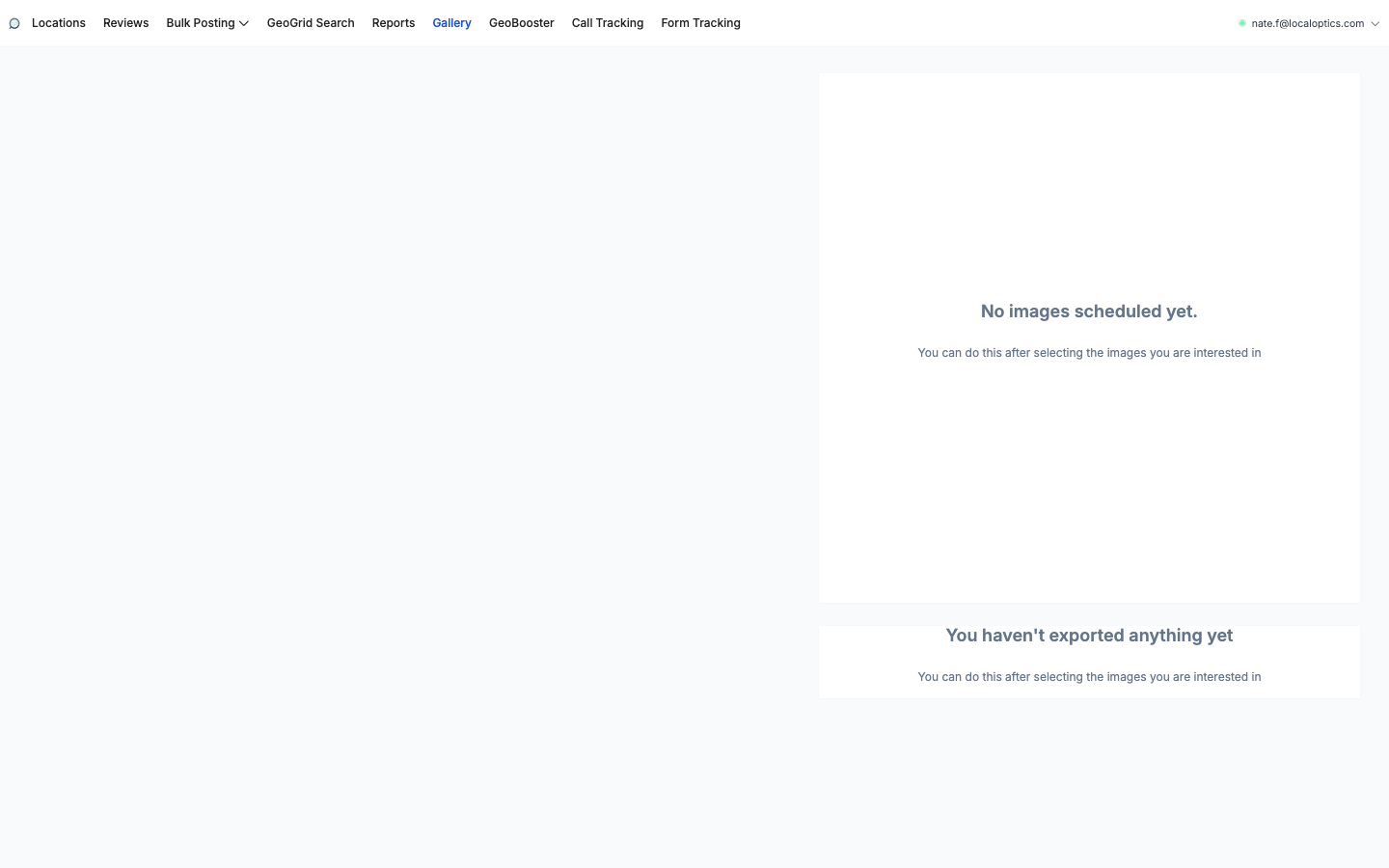
The Schedules panel on the right tracks every run with a progress bar and status (In Progress / Done / Failed), filterable by Today, Tomorrow, This week, This month or All time.
Exporting archives
Select images and click Export to build a ZIP archive - with the same EXIF and SEO-filename options applied - for use outside LocalOptics (website galleries, a client handoff, another tool). Archives build in the background; the Exports panel shows an ETA, then the finished archive with its size, ready to download. Filter past exports by date or status.
Deleting
Select and Delete removes images from the library after a confirmation. Anything already published to a listing stays on Google - deletion only affects the Gallery.
The Gallery with its Schedules and Exports panels on the right: