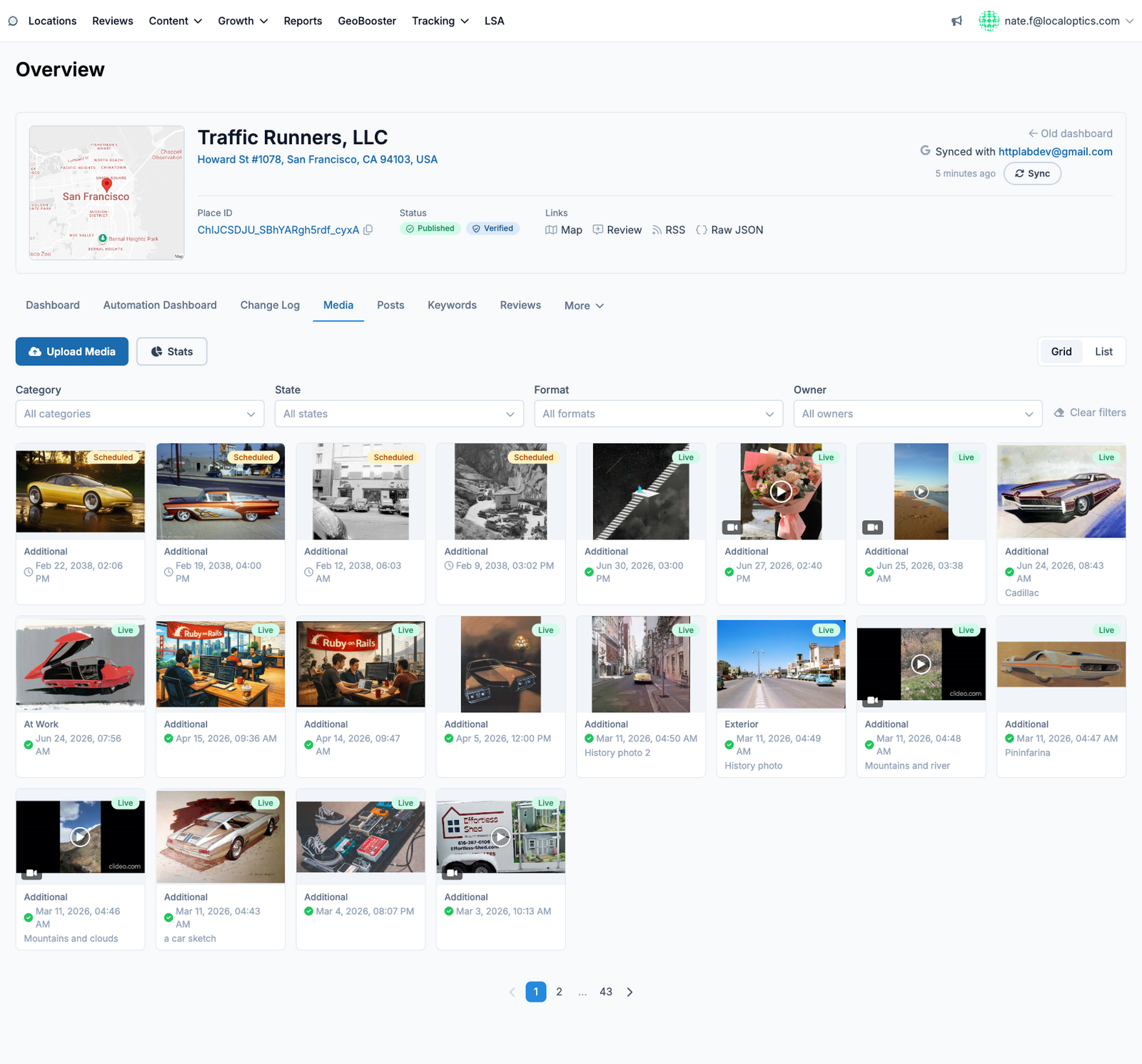
The Media page is the photo and video library for a location's Google Business Profile. Everything that has been uploaded - by you, your team, or synced from Google - lives here.
Working with media
Upload Media - add photos or videos and (where supported) attach category and metadata before they publish to Google.
Filters - narrow the library by Category, State (published, pending, failed), Format (photo/video), and Owner (who uploaded it).
Grid / List toggle - browse visually or as a sortable table.
Stats - see how your media performs: views and engagement over time.
Fresh media is one of the simplest local-SEO signals you control - businesses that post photos regularly tend to see more profile views and direction requests, so it's worth keeping this library active.
Here it is for our example location, Traffic Runners: