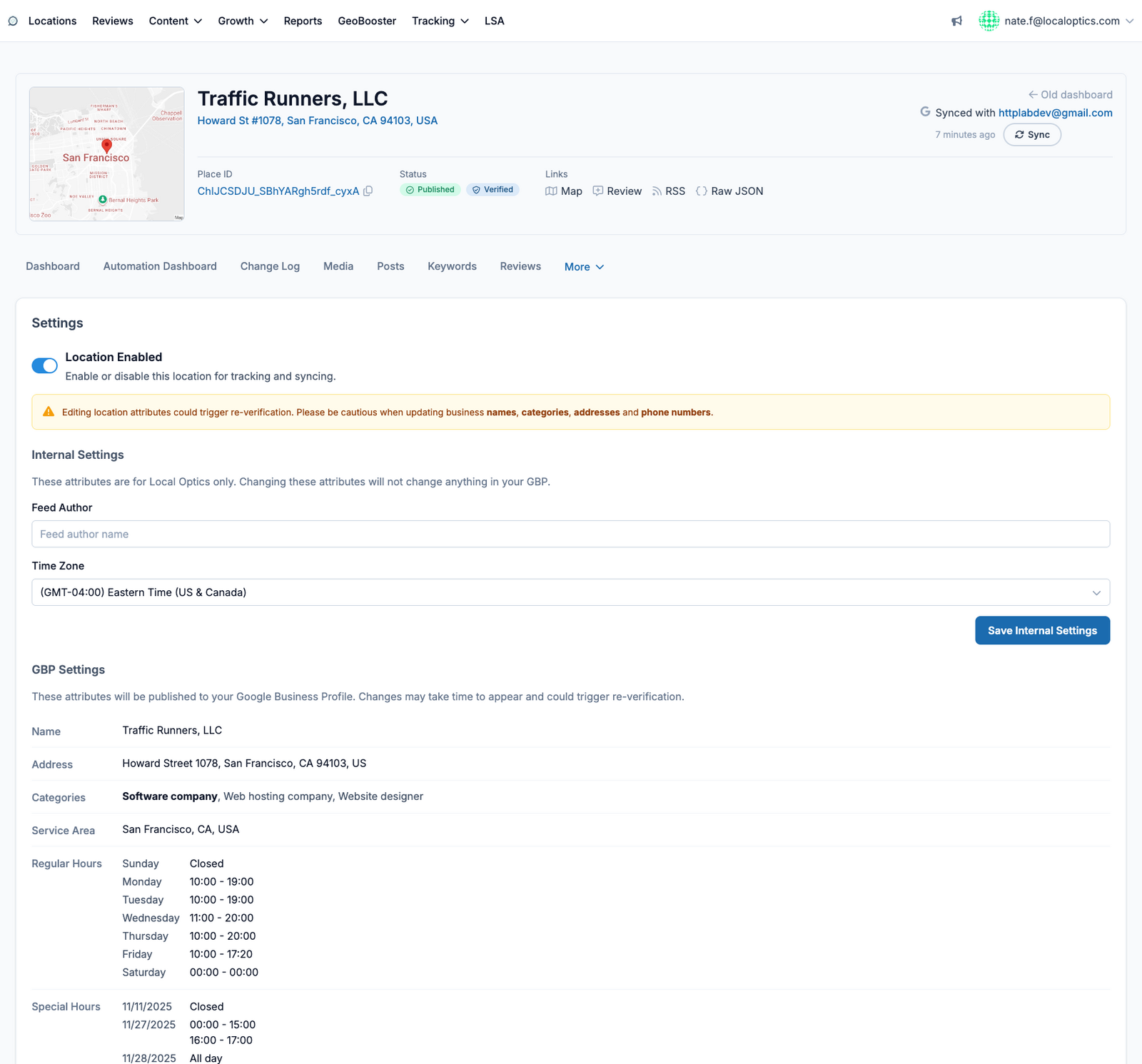
Found under the More menu on any location, the Edit page (Settings) is where you change what the location is - both inside LocalOptics and on your public Google Business Profile.
Location Enabled
The toggle at the top enables or disables the location for tracking and syncing. Disabled locations stop consuming keyword checks and syncs but keep their history.
Internal Settings
Settings that only affect LocalOptics, never your public listing: the Feed Author shown on generated content, and the location's Time Zone (used for scheduling and reporting windows).
GBP Settings
These fields publish to your Google Business Profile: business name, address, categories, service area, and regular and special hours. Two things to know before editing:
Changes can take time to appear on Google after saving.
Editing sensitive attributes - names, categories, addresses, phone numbers - can trigger re-verification of the listing. The page warns you before you do this; plan those edits deliberately.
Here it is for our example location, Traffic Runners: