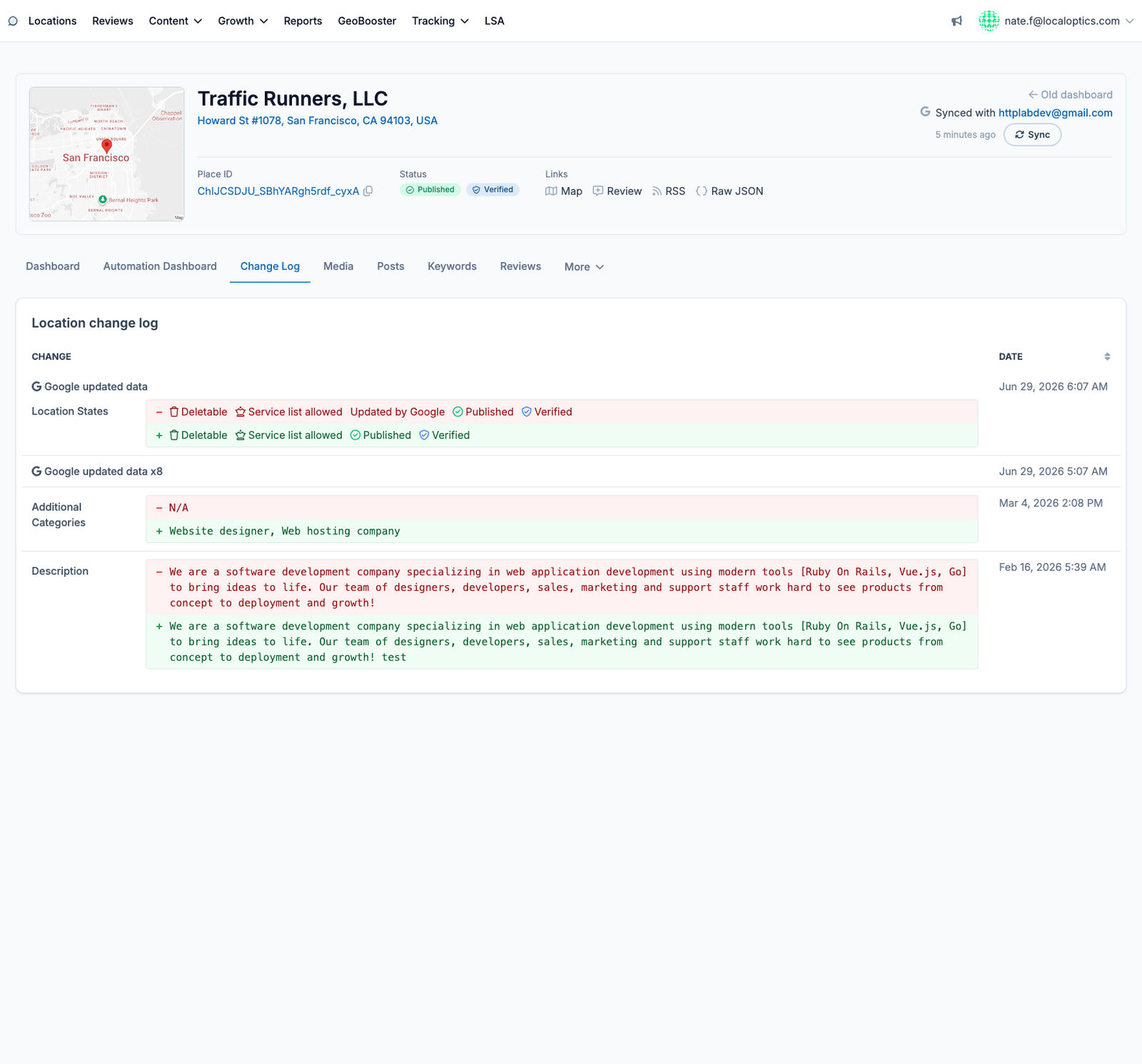
Google Business Profiles change constantly - you edit them, your team edits them, and Google itself quietly updates data or re-categorizes listings. The Change Log records all of it, per location, so nothing changes without a paper trail.
How to read it
Each entry shows the date, what changed, and the before/after values - removals in red, additions in green. Typical entries include:
Google updated data - changes Google made on its own (these are the ones worth watching).
Location state - shifts in Published, Verified, service-list or deletability status.
Categories - primary and additional category changes.
Description and other content edits - full before/after text so you can restore anything that was lost.
If a listing suddenly drops in visibility, this page is the first place to look: an unexpected category change or a Google-side edit is often the cause.
Here it is for our example location, Traffic Runners: