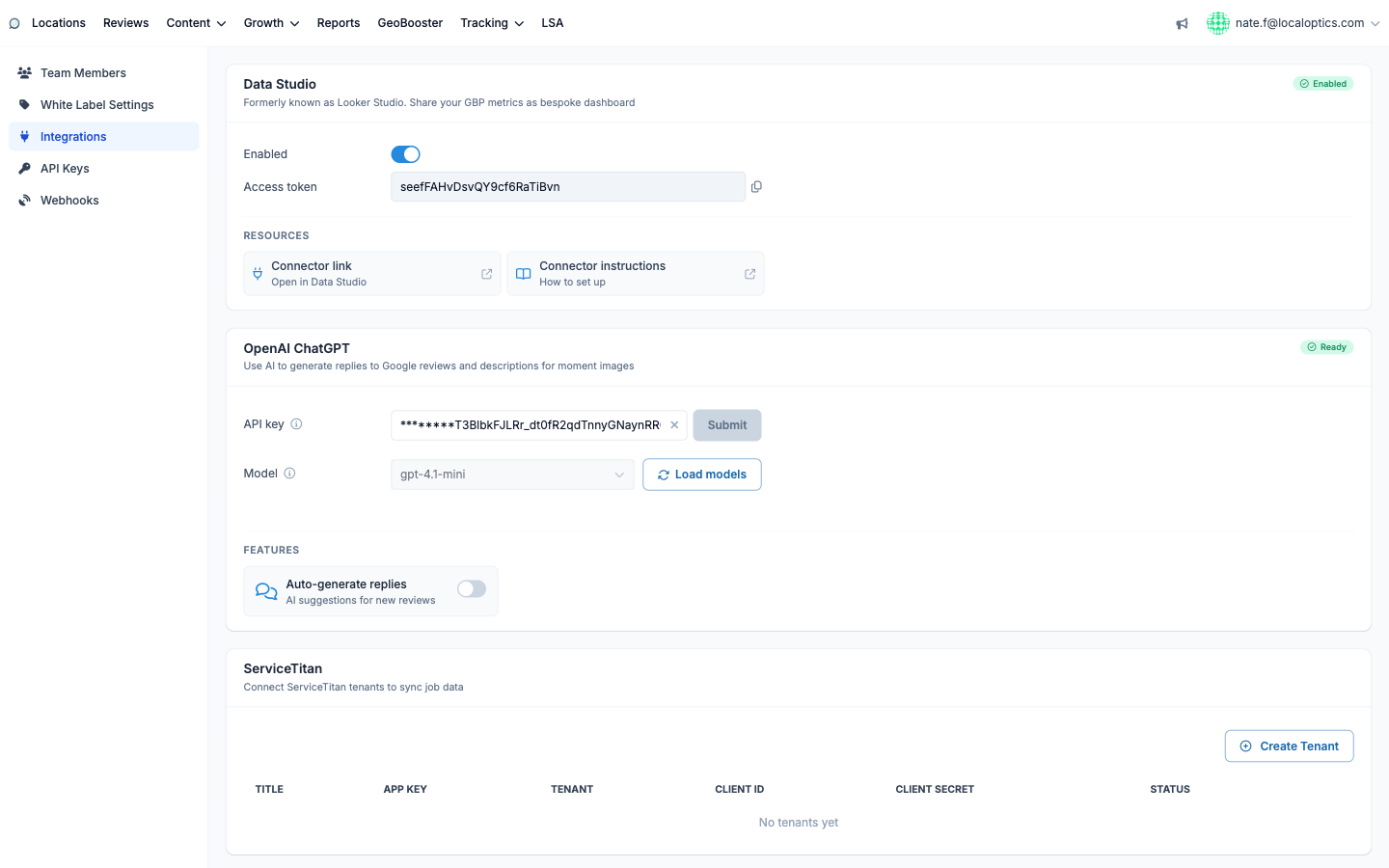
The ServiceTitan integration (Integrations page, in your account settings) syncs job data from your ServiceTitan tenants into LocalOptics - connecting what your marketing produces (calls, leads, rankings) to what the business actually books and earns.
Connecting a tenant
In ServiceTitan, create API credentials for your tenant (you'll need the App Key, your Tenant ID, and an OAuth Client ID and Client Secret).
On the Integrations page, click Create Tenant and fill in a friendly Title plus those four values.
Save - the tenant appears in the table with an Active status, and job data starts syncing.
Each tenant is independent: agencies managing several ServiceTitan customers can connect them all side by side, edit credentials with the pencil icon, and disable a tenant without deleting it (its status flips to Disabled).
What the data powers
Synced jobs and revenue feed LocalOptics' revenue-correlation features - seeing booked work alongside your local visibility trends, so reports can speak the language owners care about: not just rankings and calls, but jobs and dollars.
The ServiceTitan section on the Integrations page: