The CompanyCam integration (Integrations page, in your account settings) brings your crews' job-site photos and project data into LocalOptics - the raw material for hyperlocal content. Real photos from real jobs in real neighborhoods are exactly what Google rewards on a Business Profile, and your team is already taking them.
Connecting
In CompanyCam, generate an API access token.
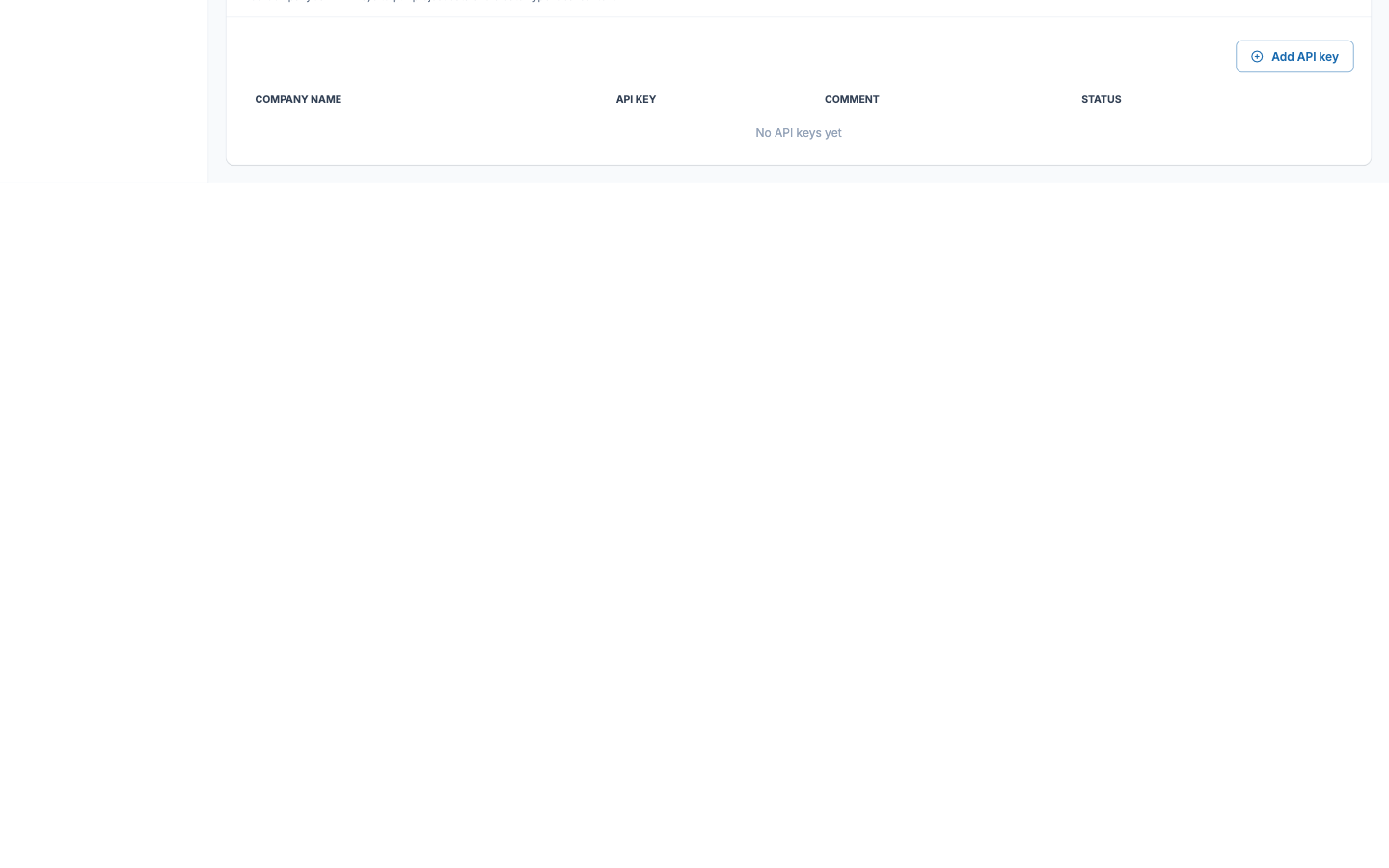
On the Integrations page, click Add API key and enter the Company Name, the API Key, and an optional Comment to remember what the key covers.
Save - the key shows in the table as Active, and project data starts flowing.
You can add multiple keys - one per CompanyCam company - which suits agencies managing several field-service clients. The pencil edits a key, and each can be disabled independently without deleting it.
What it powers
Imported project photos and locations become source material for hyperlocal content: neighborhood-specific posts and media for your listings, grounded in jobs your team actually completed there. Combined with the Gallery's drip-scheduling, a season of job-site photos becomes months of authentic, geo-relevant GBP activity.
The CompanyCam section on the Integrations page: